Microsoft 365
Most businesses buy Microsoft 365 and use about a fifth of it. The value is not in the licence. It is in the identity, the sharing rules and the structure underneath.
We set up the tenant properly the first time: one identity per person, multi-factor authentication enforced rather than suggested, conditional access rules that match how the business actually works, and administrative accounts that are separate from daily ones.
Then the structure. SharePoint sites that map to how the business is organised, permissions granted to groups rather than individuals, and a retention policy, so the company is not keeping everything forever by accident.
Teams is set up last, on top of that structure, so a channel is a view onto a SharePoint library rather than a fourth place the same file lives. Done in the other order, which is how it usually happens, you get the mess everybody complains about.
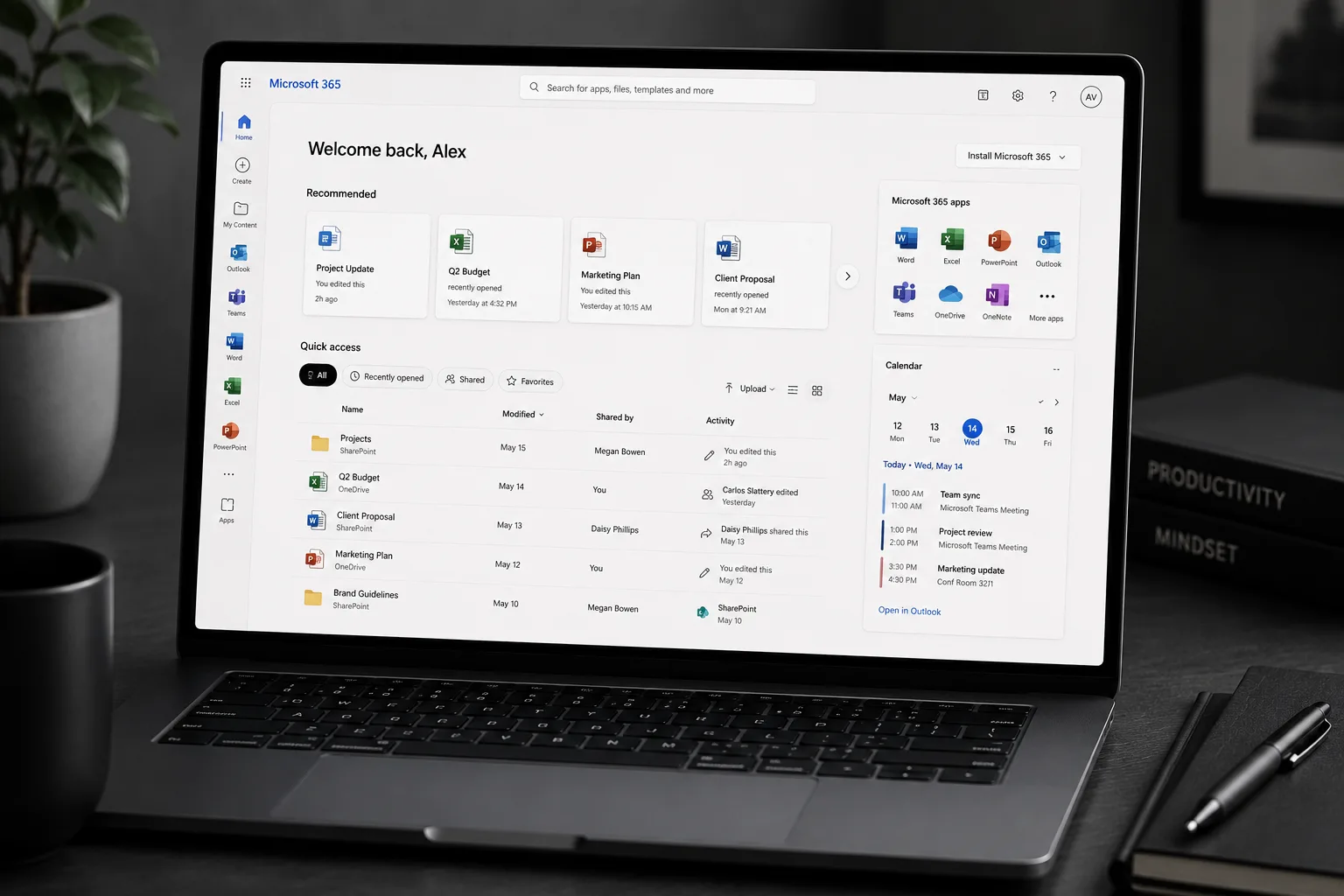
- Tenant, identity and security baseline
- SharePoint and Teams structured properly
- Multi-factor authentication enforced
Four things arrive, in this order.
Everything below is in the scope by default. If a project does not need one of them, it comes off the quote rather than being quietly left out.
- 01
Tenant and identity
Users, groups, licensing assigned by group, and separate administrative accounts.
- 02
A security baseline
MFA enforced, legacy authentication blocked, conditional access applied, and alerts on the things that matter.
- 03
SharePoint and OneDrive
Sites and libraries structured to the business, with external sharing rules set deliberately.
- 04
Teams
Channels mapped onto that structure, with a naming convention and a joining policy.
From the first call to the handover.
You see the work at every stage, on something real. Nothing on this list needs chasing.
- 01
Assess
What exists, what is licensed, and what is quietly wide open. Usually external sharing.
- 02
Design
Groups, sites and access rules on one page, agreed before anything is created.
- 03
Build and migrate
Tenant configured, files moved off the shared drive or Dropbox, permissions applied by group.
- 04
Enable the team
Short training per role, plus a written note on where things live and why.
The things people ask before they commit.
Which licence do we need?
Business Standard for most, Business Premium where you need device management and better security tooling. We size it against your headcount rather than up.
Can you move us off a shared drive?
Yes, that is a common project. Files, structure and permissions move to SharePoint, with a mapped drive left in place while people adjust.
Do you resell licences?
We can, or you can buy direct and add us as a partner. Either way you see the same price we do.
Need microsoft 365?
Send through what the business needs and a fixed quote comes back inside two days.
- Office
- Sunninghill, Sandton, 2196
- Hours
- Mon–Fri, 07:00–17:00
- info@bonangtech.com